

Over the years, I have often been asked, “What computer should I buy?” or “Is there a keyboard with keys that are easier to see?”
This page contains products I recommend because they’re easy to use, reliable, and well-suited for beginners. If you purchase through these links, I may earn a small commission at no extra cost to you. Your support helps keep Computer Steve Training growing. Thank you!
Simple Technology for Everyday Life
Easy-to-use devices designed with you in mind. No confusion. No frustration.
Why These Devices?
- Simple to set up and use
- Plug it in and it works
- Perfect for beginners
- Did we say simple?
Links will take you to Amazon.com*
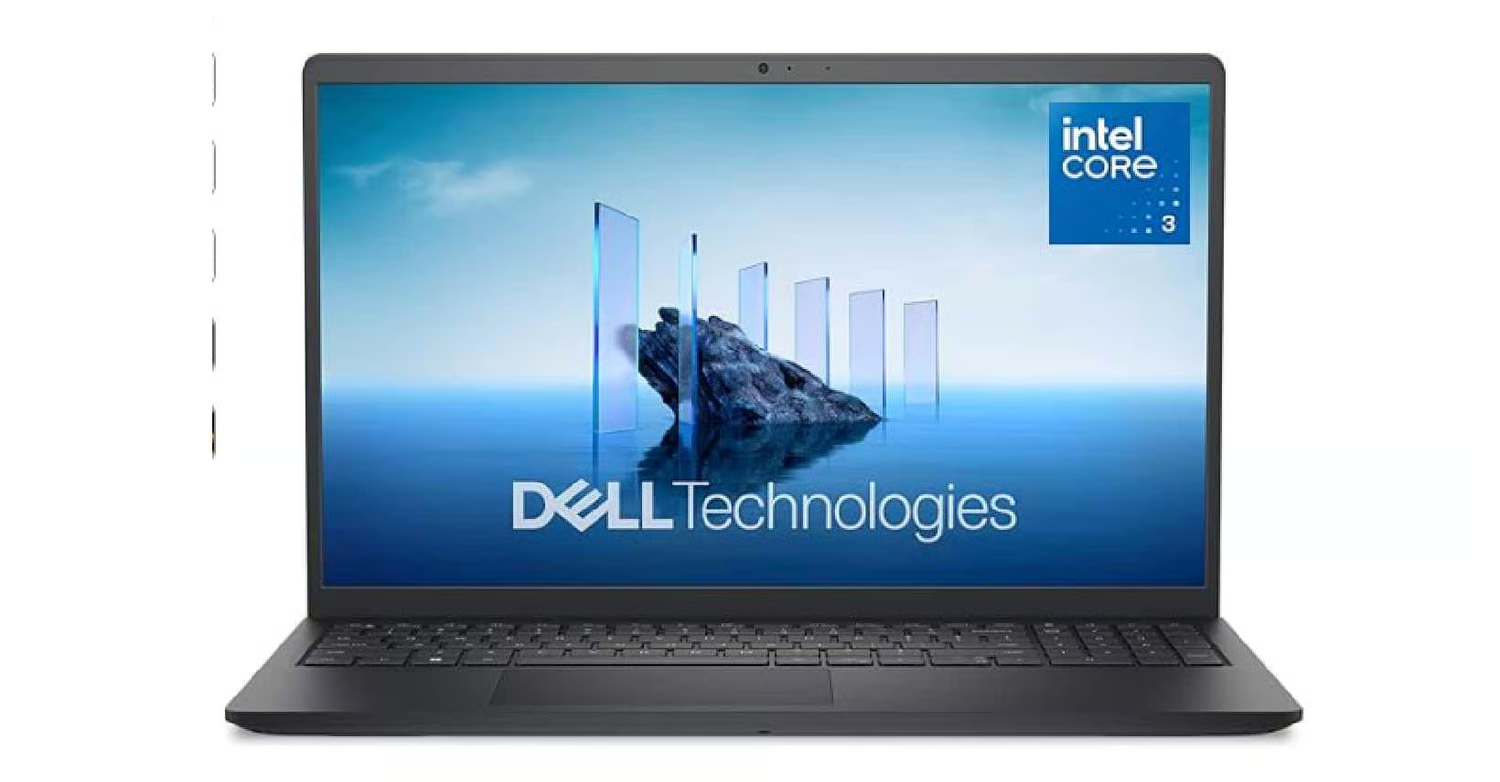
Basic Dell Laptop Computer
Great for email, internet, watching YouTube videos, basic computing.
- All the computer you need
- Dell quality
- Works with all of the accessories listed below
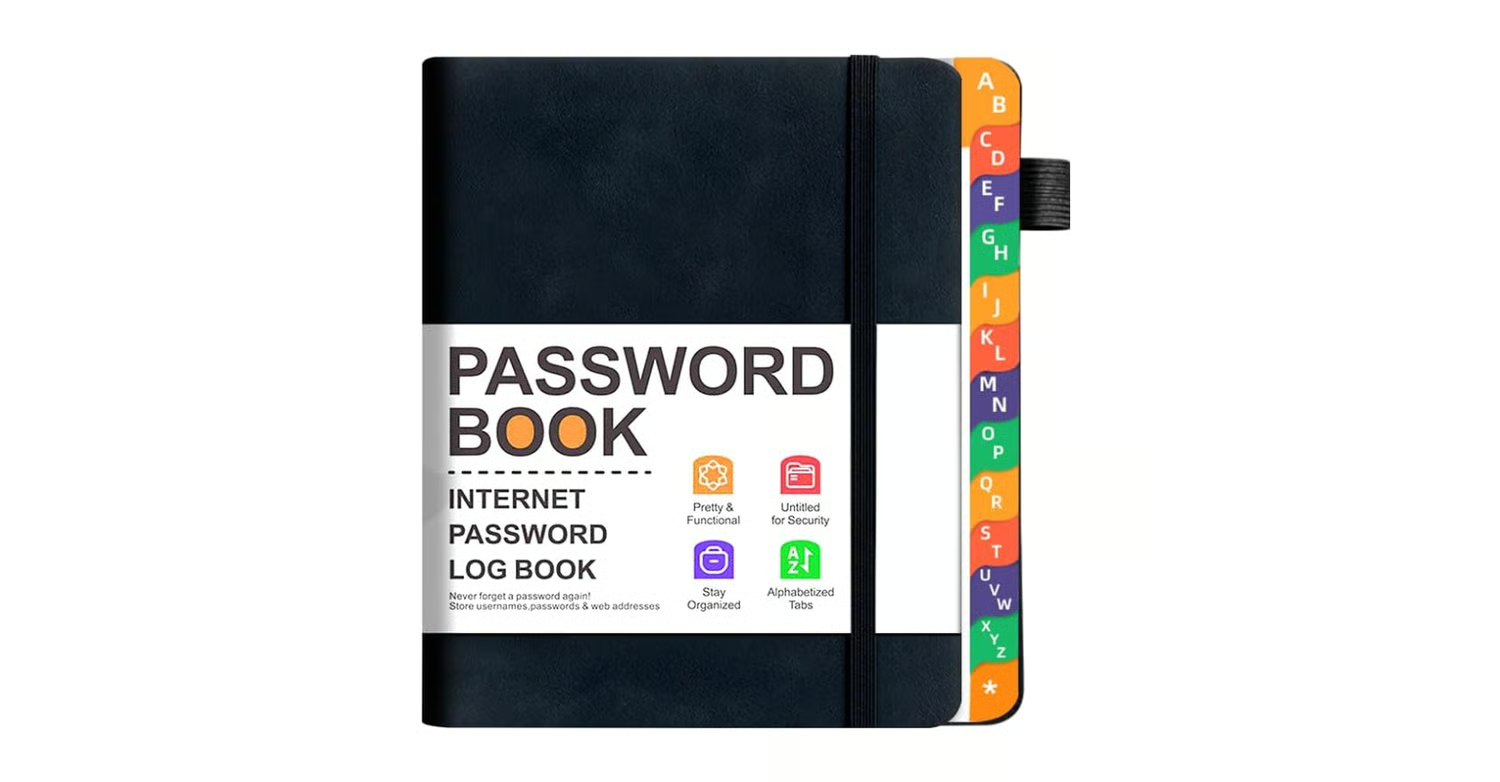
Password Book
Keep all your passwords and other information handy!
- Alphabetical Index Tabs
- Come in many colors
- Never lose a password again
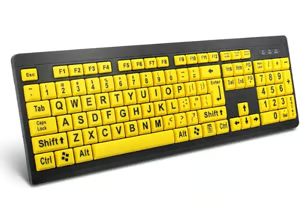
Wired USB High Contrast Keyboard with Oversized Print Letters
Large easy to read keys
- Works with desktop or laptop
- Wired – just plug it in
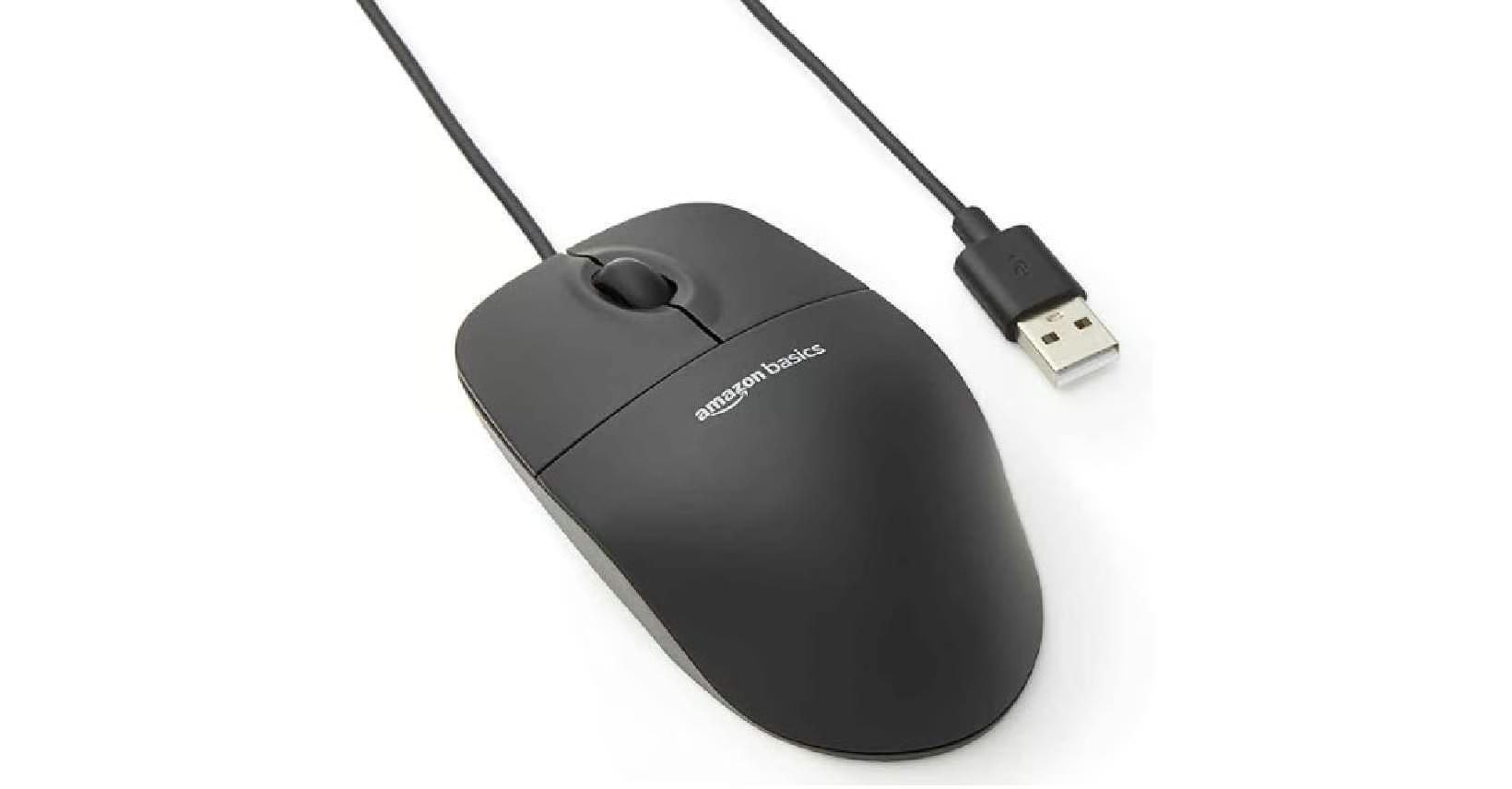
3-Button USB Wired Mouse
Simple, basic mouse.
- Wired – just plug it in
- Works with desktop or laptop
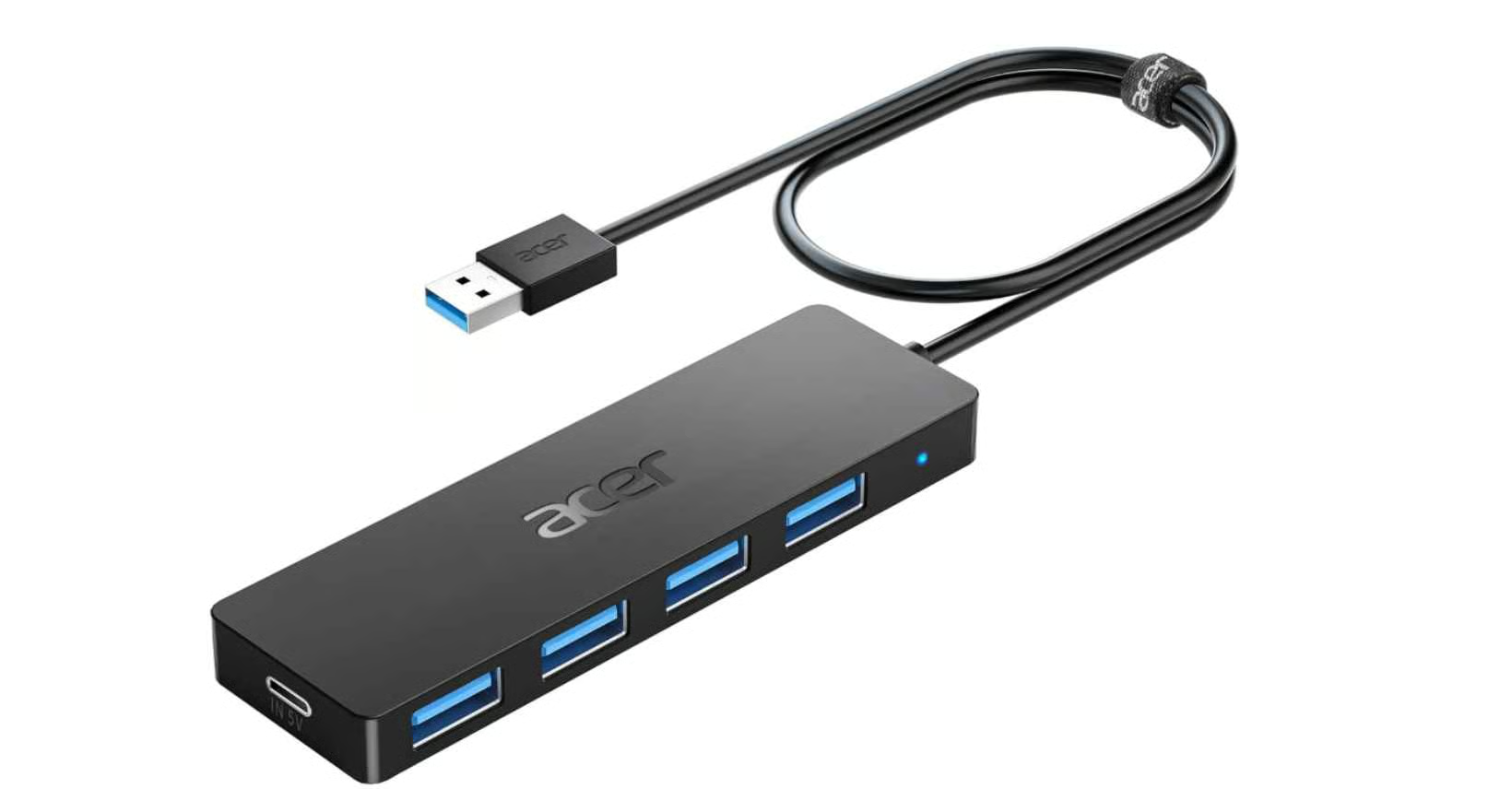
4-Port USB Hub
Running out of USB plugs on your computer?
- Add more USB connections to your computer
- Works with desktop or laptop
- Easy setup – just plug it in
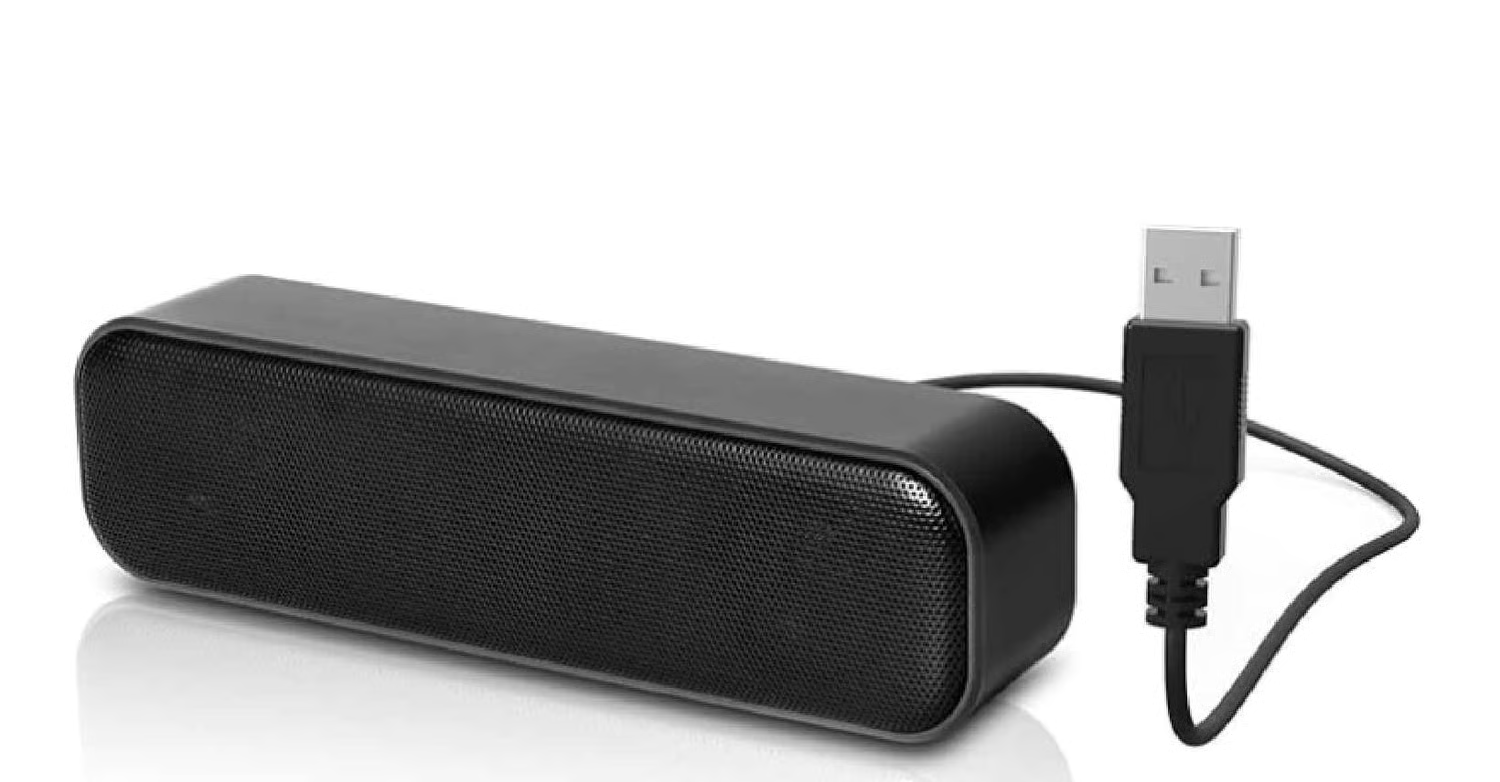
USB External Speakers
Enjoy better sounds from your computer
- Just plug it in
- Works with desktop or laptop
- Volume control
- Enjoy high quality sound
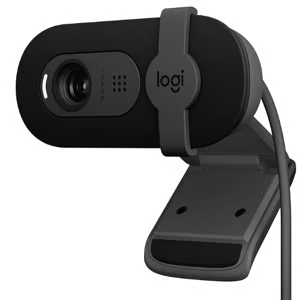
Webcam for Desktop PC – Built-in Microphone
For desktop PC (laptops already have built-in cameras)
- Built in microphone
- Easy to set up – just plug it in
- For Zoom, Teams, Google Meet, etc.
A Message From Computer Steve
With over 30 years of experience teaching computer skills, I understand that technology should be simple, not stressful.
*We may earn a small commission at no extra cost to you.